
Aspect Ratio Calculator
Calculate aspect ratio from width and height in pixels. This aspect ratio calculator also gives the other pixel size from a ratio and one side.
Aspect ratio tool
Preview
1920×1080
How to use this aspect ratio calculator
Choose a mode
Calculate Aspect Ratio from width & height or Resize by Aspect Ratio.
Enter the numbers
Type a width and a height in pixels, or a ratio and one side.
Read the result
The fields update as you type. Two pixel sides become a simplified ratio.
Summarize with
10 common resolutions
All resolutions- 1920×108016:9 · 2.07 MPFull HD for YouTube, broadcast and monitors
- 1280×72016:9 · 0.92 MPHD for streaming and older televisions
- 3840×216016:9 · 8.29 MP4K UHD for streaming and monitors
- 2560×144016:9 · 3.69 MPQHD for gaming monitors
- 1366×768683:384 · 1.05 MPA common budget laptop screen
- 1600×90016:9 · 1.44 MPHD+ laptops and smaller monitors
- 1440×9008:5 · 1.3 MPA 16:10 laptop screen
- 1920×12008:5 · 2.3 MP16:10 monitors and laptops
- 2560×108064:27 · 2.76 MPUltrawide monitors, sold as 21:9
- 3440×144043:18 · 4.95 MPUltrawide monitors for gaming
What this aspect ratio calculator returns
Type a width and a height and the aspect ratio calculator reduces them. 1920 and 1080 become 16 and 9. 1366 and 768 stay 683 and 384.
Set a ratio and one pixel side and the other side follows. A 16:9 width of 1920 is 1080 tall.
Key features
A ratio from two sides
Calculate it from width and height in pixels. The simplified ratio is the result.
Pixels from a ratio
Set the ratio and one side. The other side comes back in pixels.
Updates as you type
The other fields change on the same keystroke, so you are not waiting on a result.
Why choose an aspect ratio calculator
Exact, not a nearby name
By hand, an awkward pair gets rounded to a familiar shape. Divide both sides here and the simplified pair stays exact, with the decimal beside it.
No formula to remember
A regular calculator still needs the formula. Without it, there is nowhere to start. Here you type one side and the other side follows.
Harder to get wrong
By hand, a missed step or the wrong formula changes the result. Here the calculator applies the correct formula, so that mistake does not happen.
Who needs an aspect ratio calculator
The missing side is always in pixels. What you start with depends on the job: a video frame, a photo crop, a print measured in inches, or a screen measured on the diagonal.

Video editors
A YouTube video is 16:9, usually 1920×1080. A Short is 9:16, usually 1080×1920. Those sides reduce to the ratio, and a 16:9 width of 1920 is 1080 tall. Fitting that same picture into a Short is a crop or a pad, not a stretch. Both frames are on the YouTube page.

Social designers
One photo often has to fill three frames. Instagram’s tall feed photo is 4:5, usually 1080×1350. Avatars and many ads are 1:1. Stories stay 9:16. Type both pixel sides to read the ratio, or set the ratio and one side for the other. The sizes are on the Instagram page.
Photographers and print labs
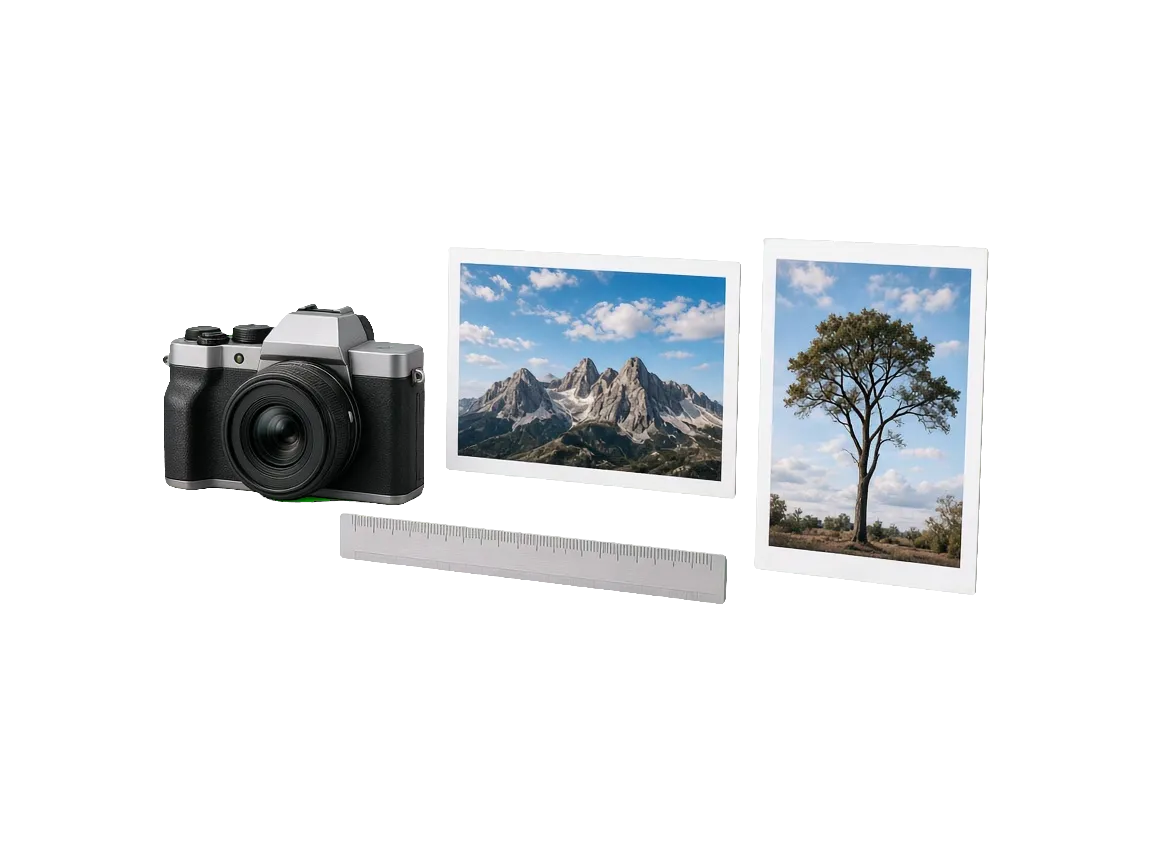
A full-frame still and a 4×6 print share 3:2. An 8×10 print is 4:5. When the brief starts on paper, inches times DPI is the file: 6 by 4 inches at 300 DPI is 1800×1200. The DPI to pixel calculator does that multiplication.

People sizing a screen
A work laptop is often 16:10, such as 1920×1200, taller than a 16:9 television. A box that says 21:9 is often 2560×1080 (64:27) or 3440×1440 (43:18). The screen size calculator turns the diagonal into a width and a height.
Aspect ratios for social media
All social mediaHow to calculate aspect ratio
Width compared with height can be written as a decimal against 1, or as two whole numbers.
As a decimal
Divide width by height. A 1920×1080 screen is 1920 ÷ 1080 = 1.7778, so the decimal form is 1.7778:1. Pixels, inches and centimetres all work when both sides share one unit. The unit label can be left off, because the ratio is only a proportion.
As whole numbers
Divide both sides by their greatest common divisor. 1920 and 1080 share 120, which leaves 16 and 9. The aspect ratio calculator uses that reduction, then names the nearest standard ratio when the exact fraction is awkward. 1366 and 768 share 2, so the exact ratio is 683:384, about 0.05% from 16:9.
If the ratio and one side are known, multiply by the other part of the ratio. The how to calculate aspect ratio guide writes both formulas out.
What aspect ratio is used for
Aspect ratio is width compared with height. 16:9 and 1.7778:1 are the same shape. The first number is the width, so a 9:16 Story is 9 parts wide and 16 parts tall.
16:9 is the HDTV and YouTube landscape frame in ITU-R BT.709. 4:3 is the older television shape. 3:2 is the still-photo frame, 1:1 is the square, and 4:5 is the tall feed portrait. 21:9 is the wide-monitor name. Decimals and aliases are on the ratios list.
A mismatch is cropped, barred, or stretched. The converter returns both sizes from one source frame.
YouTube landscape is 16:9 and a Short is 9:16. Instagram’s tall feed photo is 4:5. TikTok in-feed video is 9:16. The YouTube, Instagram and TikTok pages link the help articles those sizes come from. Start from 1920×1080 or 1080×1920, then confirm the pixel size on the platform’s own page.
Use the aspect ratio calculator when the shape is already chosen and you need the missing width or height in pixels. If a spec sheet gives both pixel sides, the same form reads the shape back out.
Convert aspect ratios
Crop drops the overflow and pad keeps every pixel: 1920×1080 to 9:16 is a 607×1080 crop or a 1920×3414 pad.
Frequently asked questions
What is an aspect ratio calculator?
It returns the missing width or height for any ratio. It can also reduce two sizes to a simplified ratio.
How do I calculate aspect ratio?
From width and height in pixels. Divide both sides by their greatest common divisor.
Why is 1366×768 not exactly 16:9?
It simplifies to 683:384. 16:9 is only about 0.05% away.
Can I enter a custom ratio in the aspect ratio calculator?
Yes. Type any width and height. The simplified ratio is the result.
Does the other side update on its own?
With Resize by Aspect Ratio, changing the width updates the height, and changing the height updates the width. With Calculate Aspect Ratio, the two pixel sides set the ratio.